Your Model.
Rendered
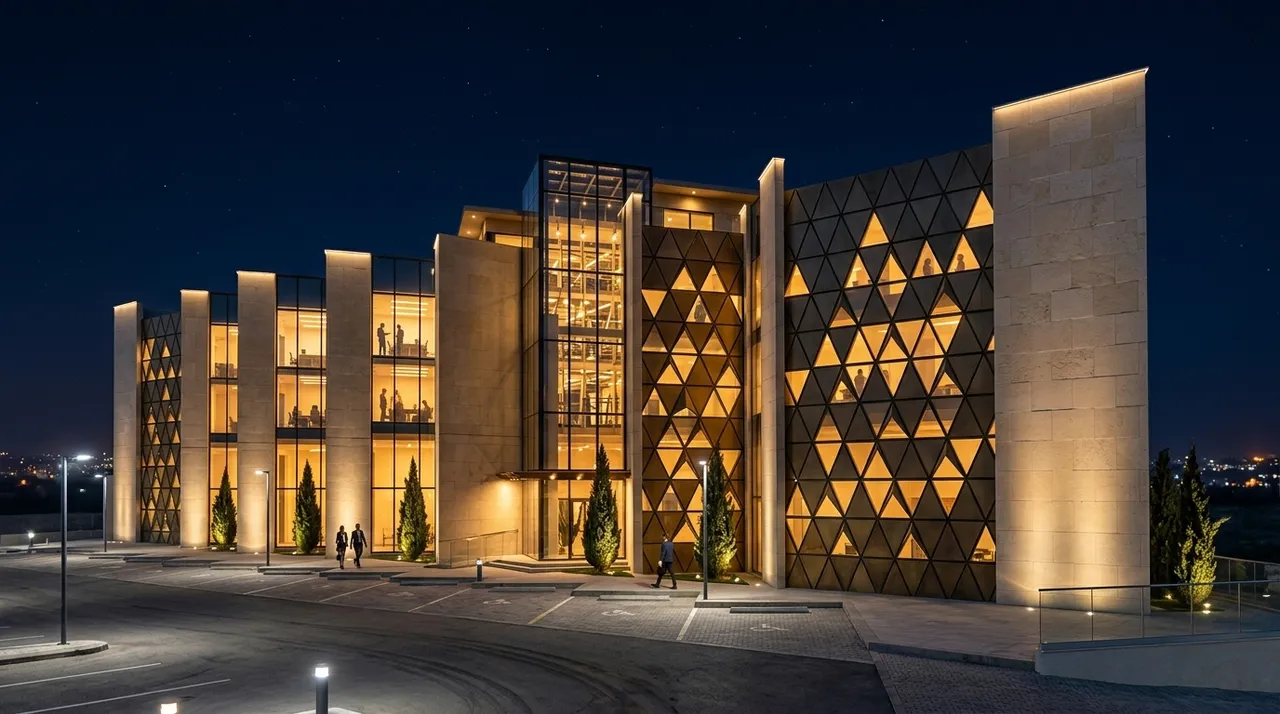
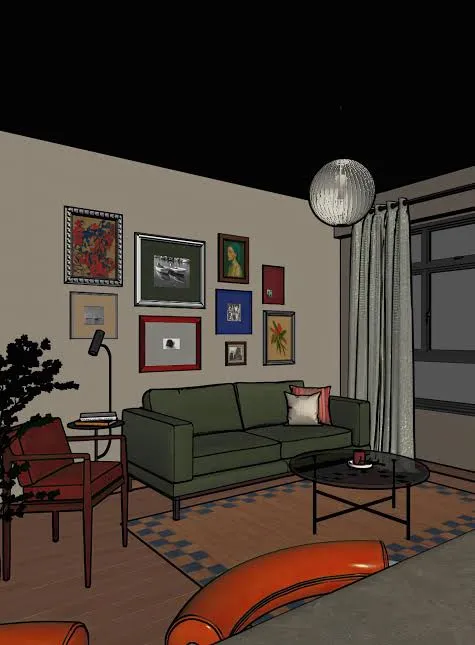
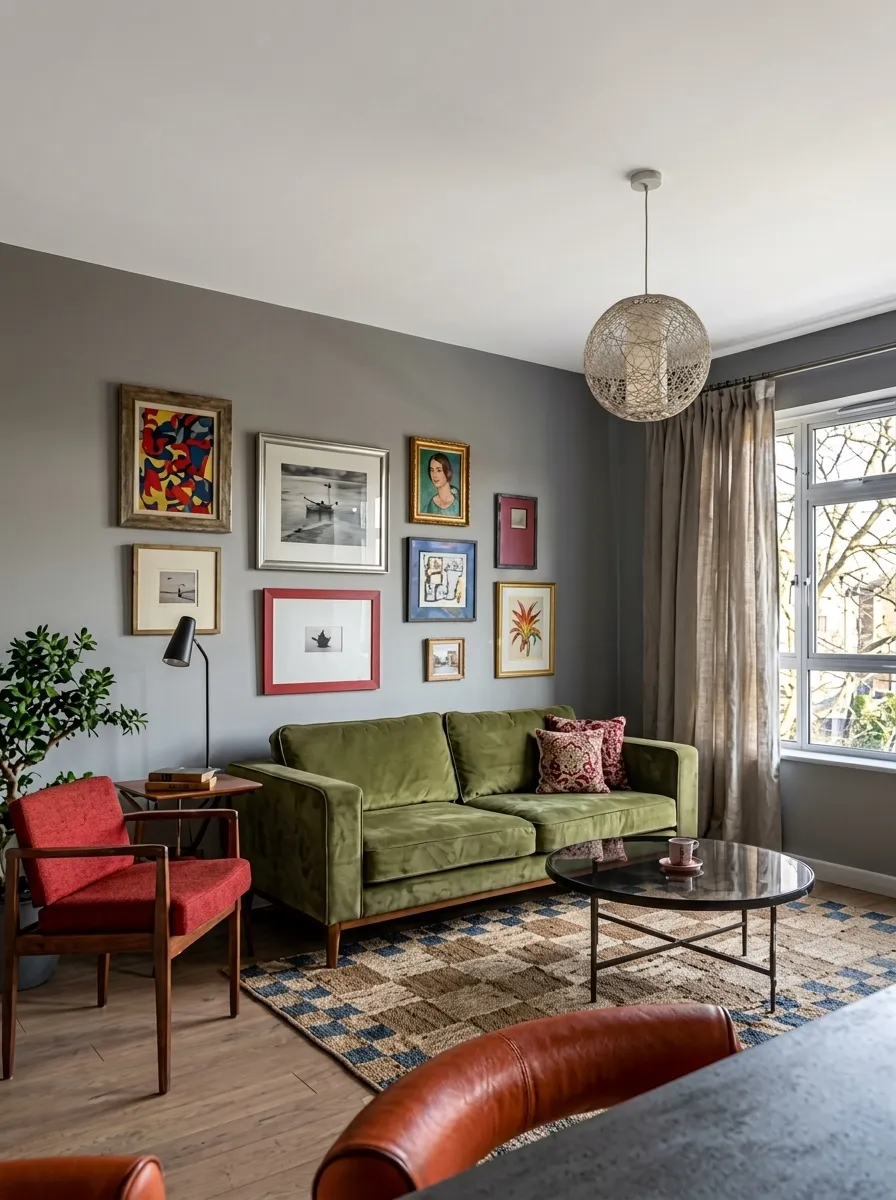
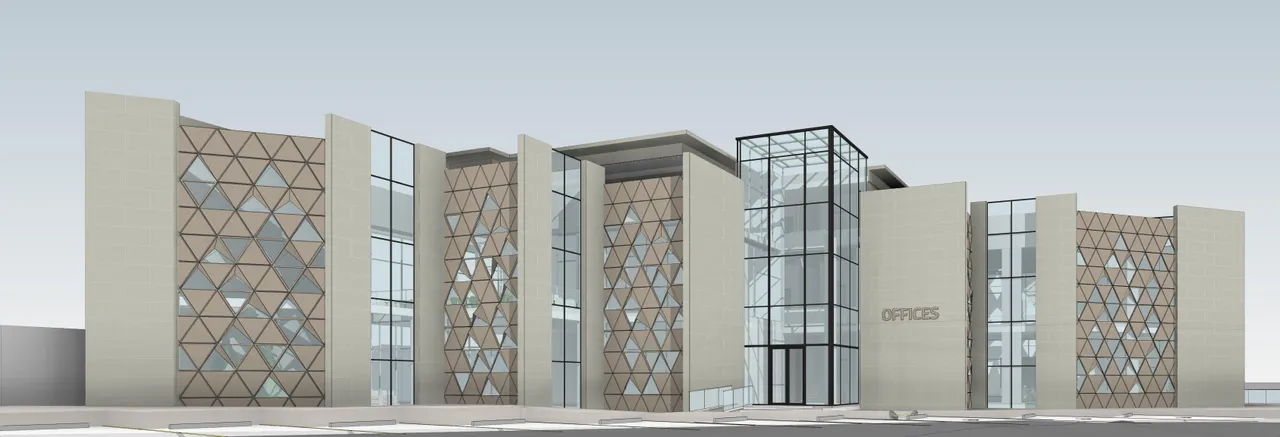
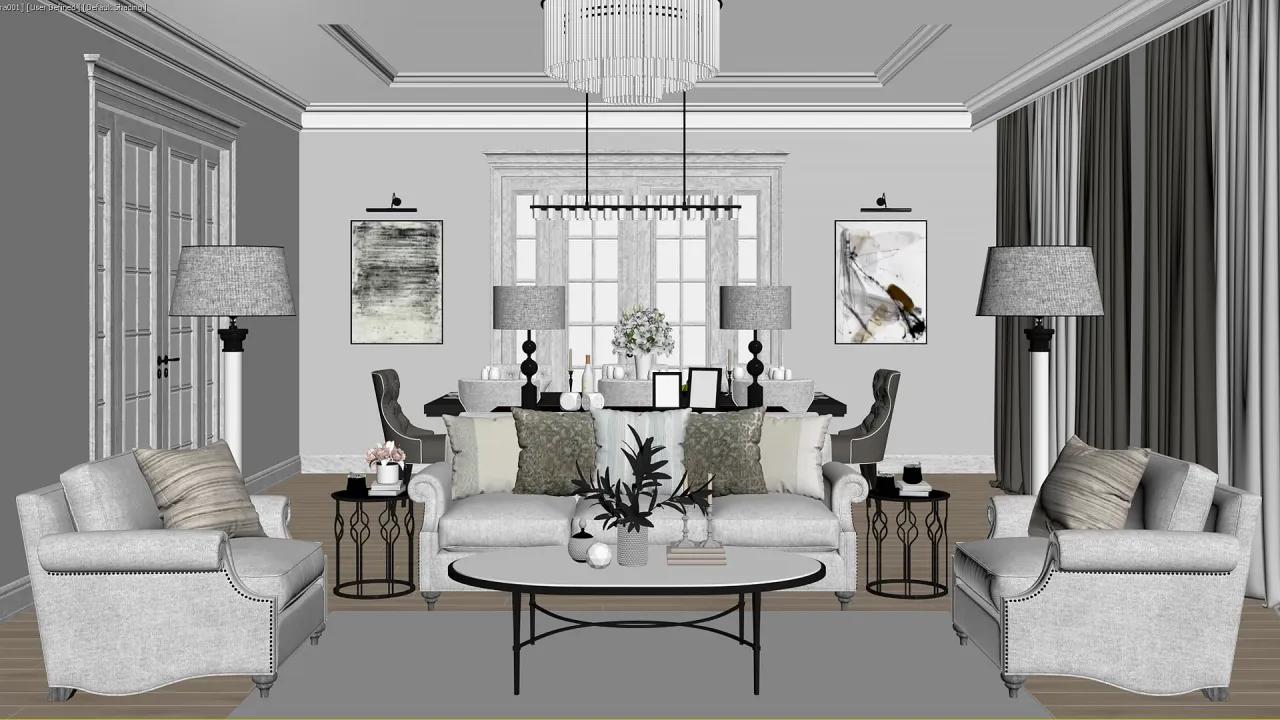
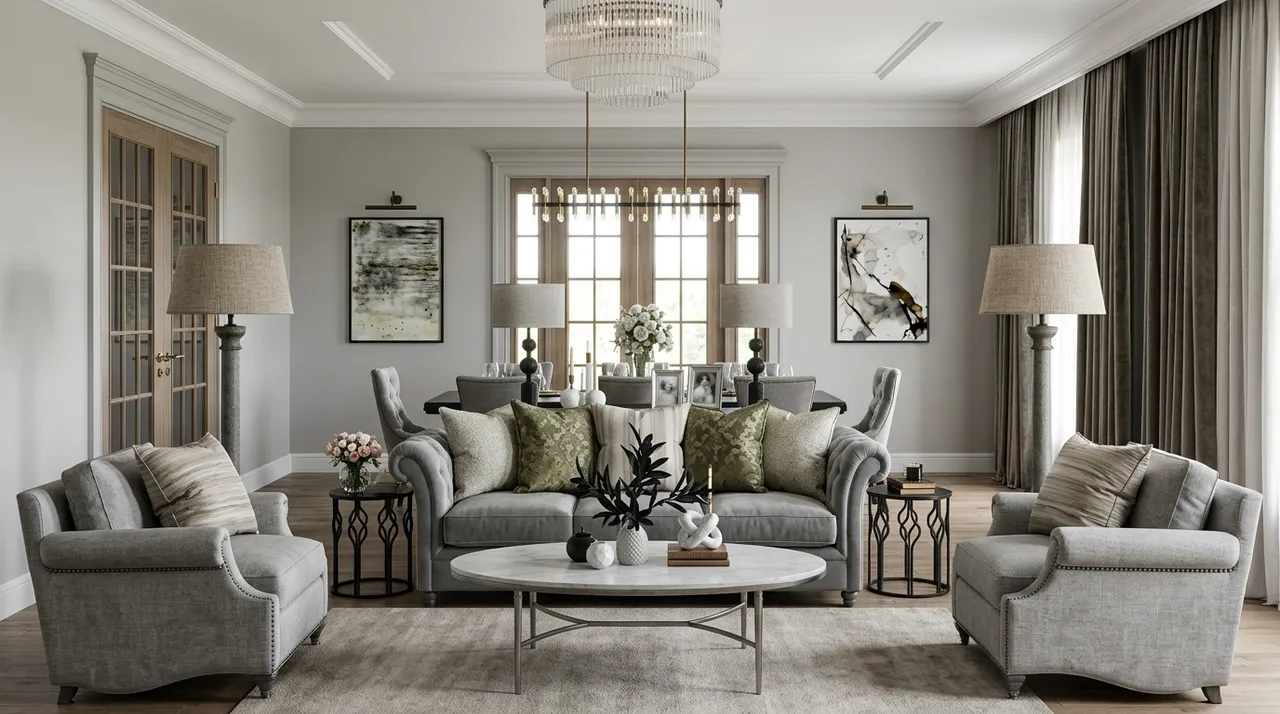
A screenshot or rough render comes back presentation-grade. Geometry and camera preserved, light and atmosphere rebuilt.
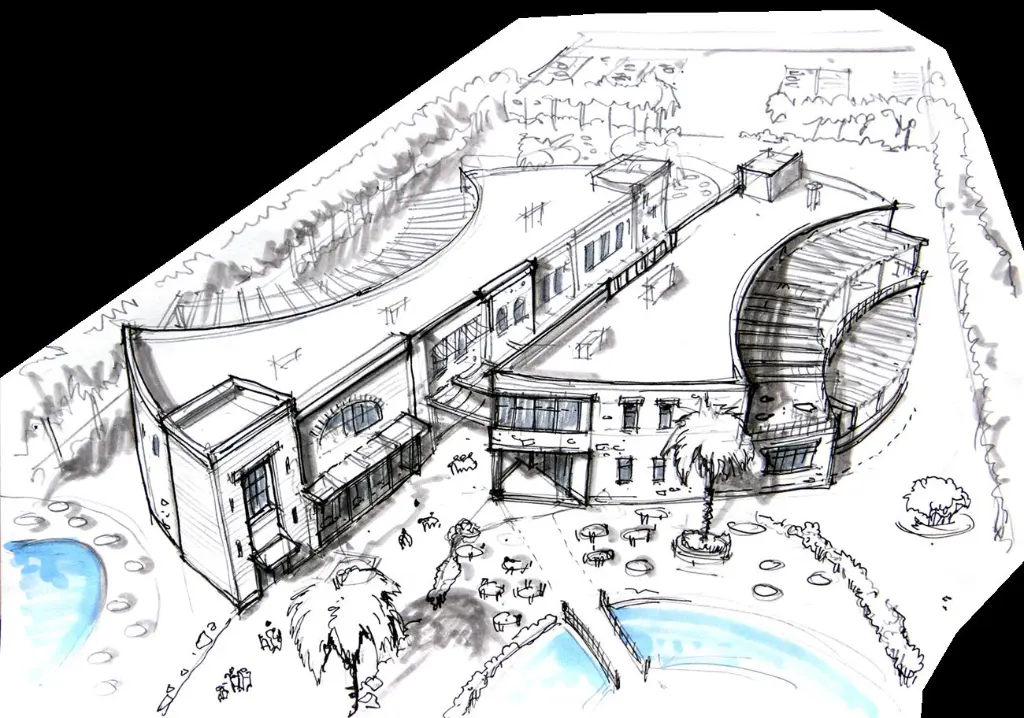
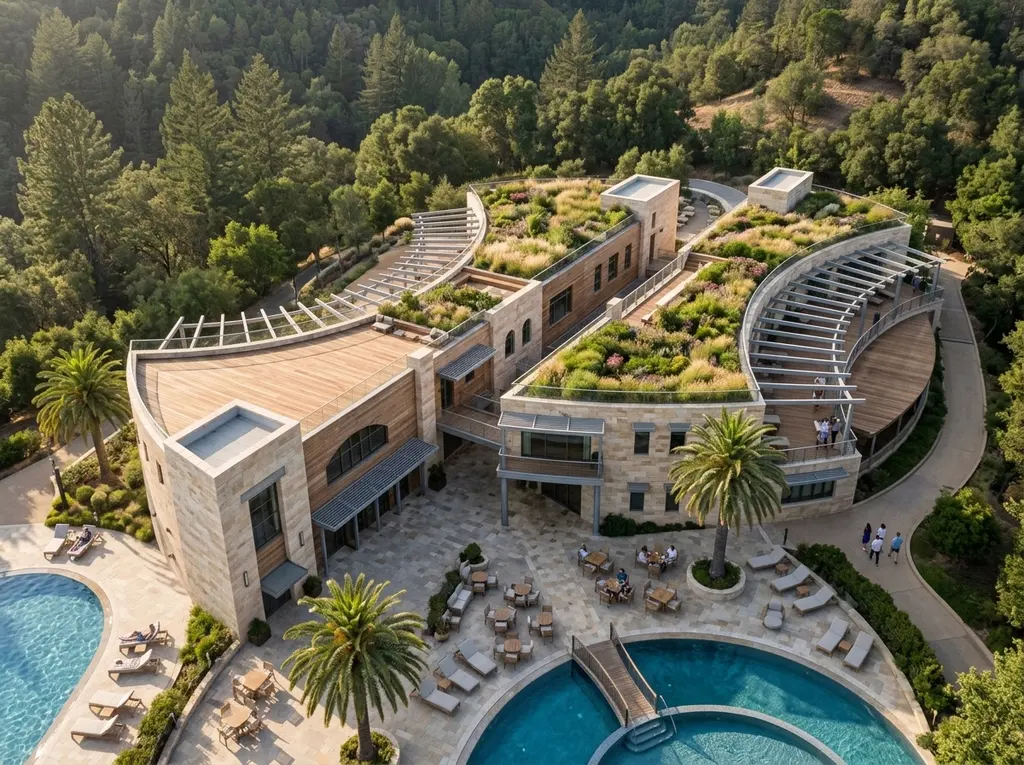
Your Design,
Preserved
Arqina reconstructs lighting, materials, and atmosphere, and locks everything else.
- Camera, framing, perspective preserved
- Massing and geometry preserved
- Lighting, materials, weather reconstructed
Screenshot In. Render Out
One viewport screenshot, a few choices, a finished render. The same three steps for every project.
Change the Look, Keep the Building
Set the medium, light, weather and view. No prompt, same design every time.
Five Moves, One Canvas
Every render, edit, and adjustment branches from your upload on the same infinite canvas: versions side by side, lineage intact, nothing overwritten.
Render
Turn a viewport screenshot, clay, or rough render into a presentation-grade image. Geometry and camera stay exactly where you put them; light, materials, and atmosphere are rebuilt from scratch.
- Camera & geometry locked
- Materials, light, weather rebuilt
- Presentation-grade in ~60 seconds
Edit
Brush a mask over any region and regenerate just that part (swap a sky, restate a facade, fix a stray detail) without disturbing a single pixel of the rest of the frame.
- Region-only regeneration
- Mask any shape, any size
- Everything outside stays untouched
Adjust
Exposure, contrast, color, and detail in a live, non-destructive editor. Dial in the final look right on the canvas: no credits spent, no re-render, undo whenever you like.
- Live & non-destructive
- No credits, no re-render
- Exposure · contrast · color · detail
3D Floorplan
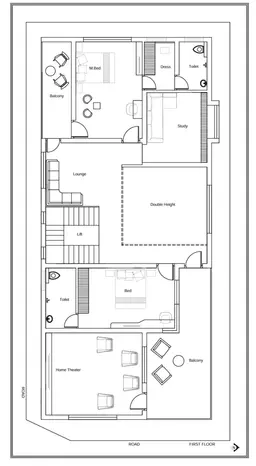
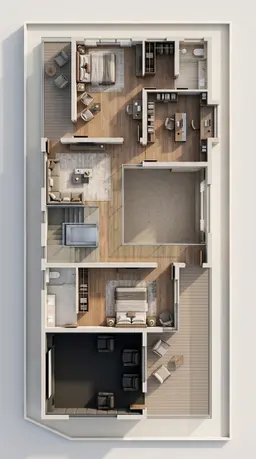
Turn a flat 2D floor plan into a furnished, dimensional one: walls raised, rooms styled, the whole layout readable in three dimensions. Pick an interior style and the angle to view it from.
- From any flat 2D plan
- Furnished in nine interior styles
- Isometric, top-down, cutaway & more
Animate
Turn a render you have already approved into a short cinematic clip. The still is the first frame, so the geometry, materials, and light your client signed off are exactly what moves.
- Ready made camera preset library
- Extract any frame as a new image
- Extend a clip to chain the next shot
Everything and Everyone,
One Canvas
Every upload, render, edit, and grade lives on one infinite canvas, branching from what came before, versions side by side, lineage intact. Bring the team in and their cursors, selections, and new renders show up live. Nothing overwritten, nothing lost. Drag to explore.
- One infinite canvas per project
- Versions branch side by side
- Your whole team, live
Renders Worth Keeping
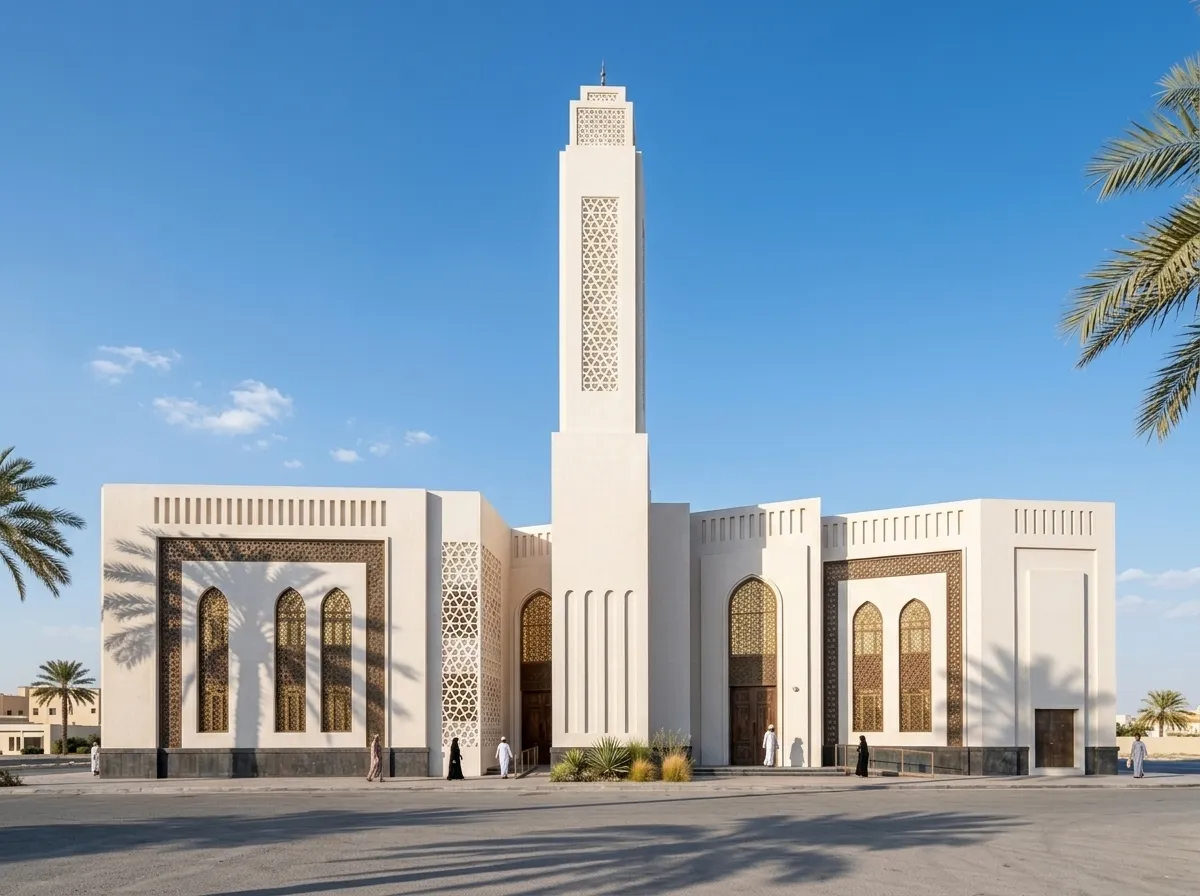
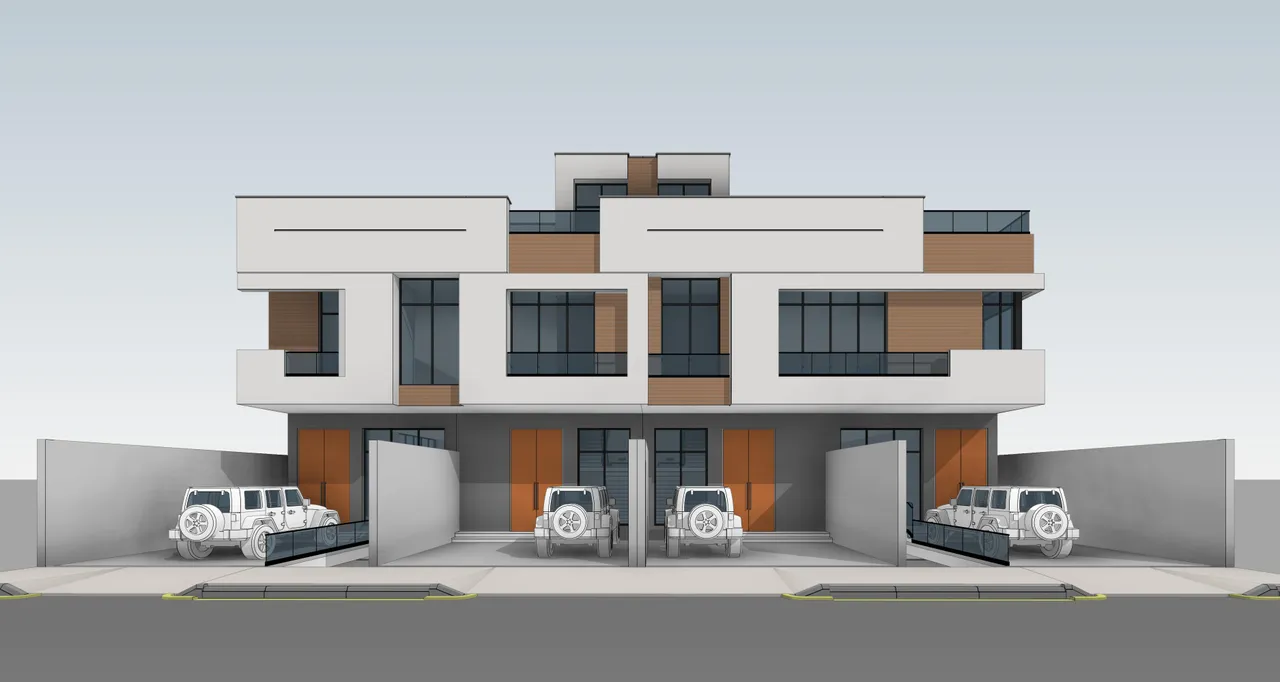
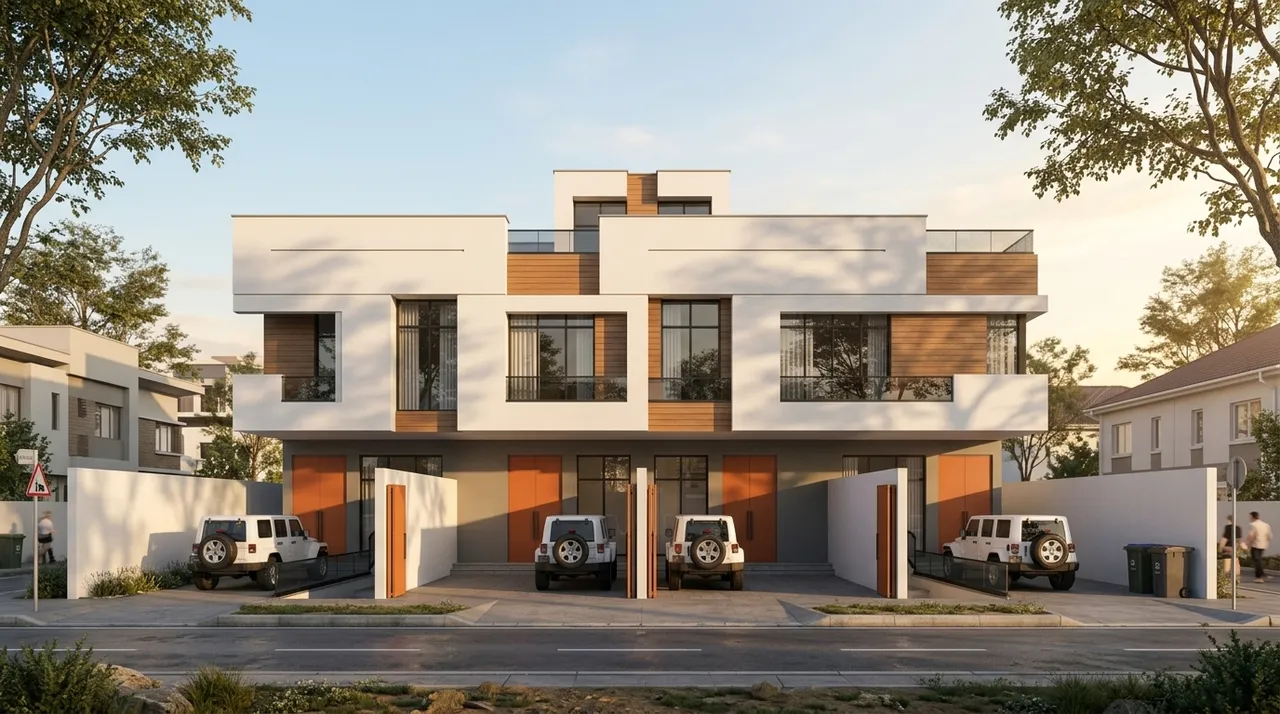
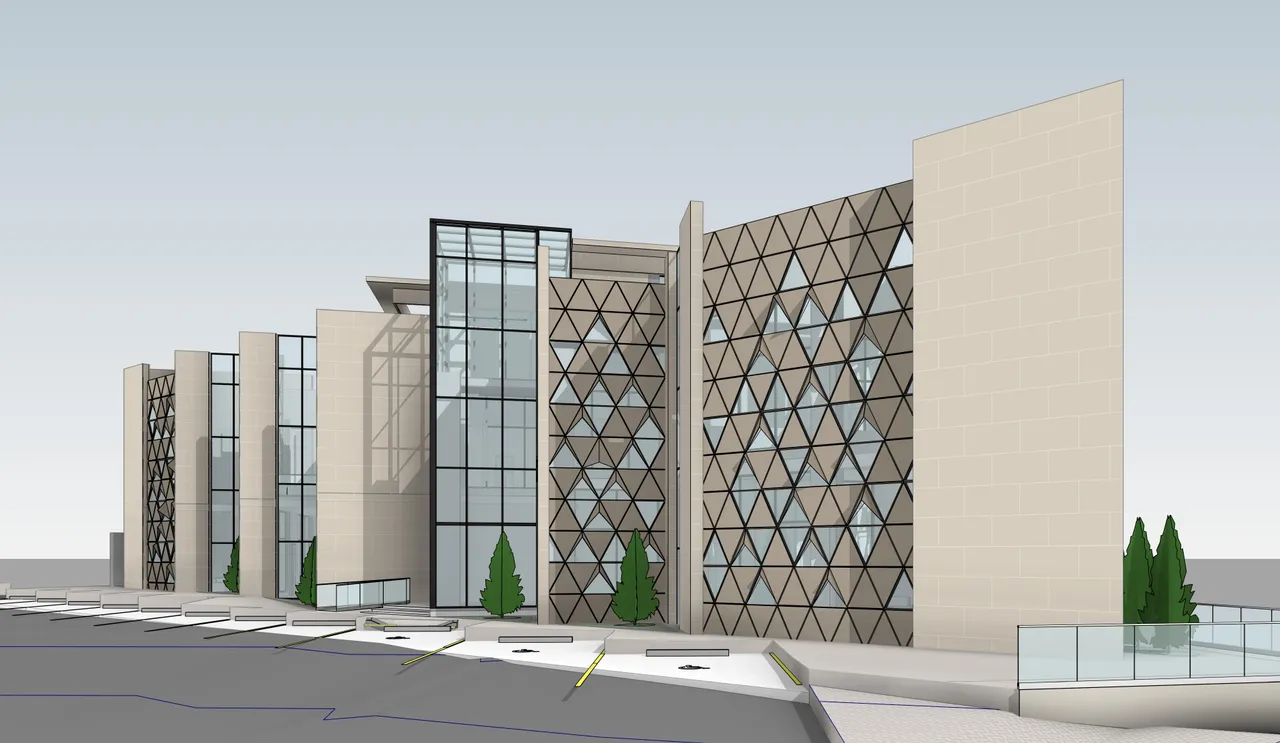
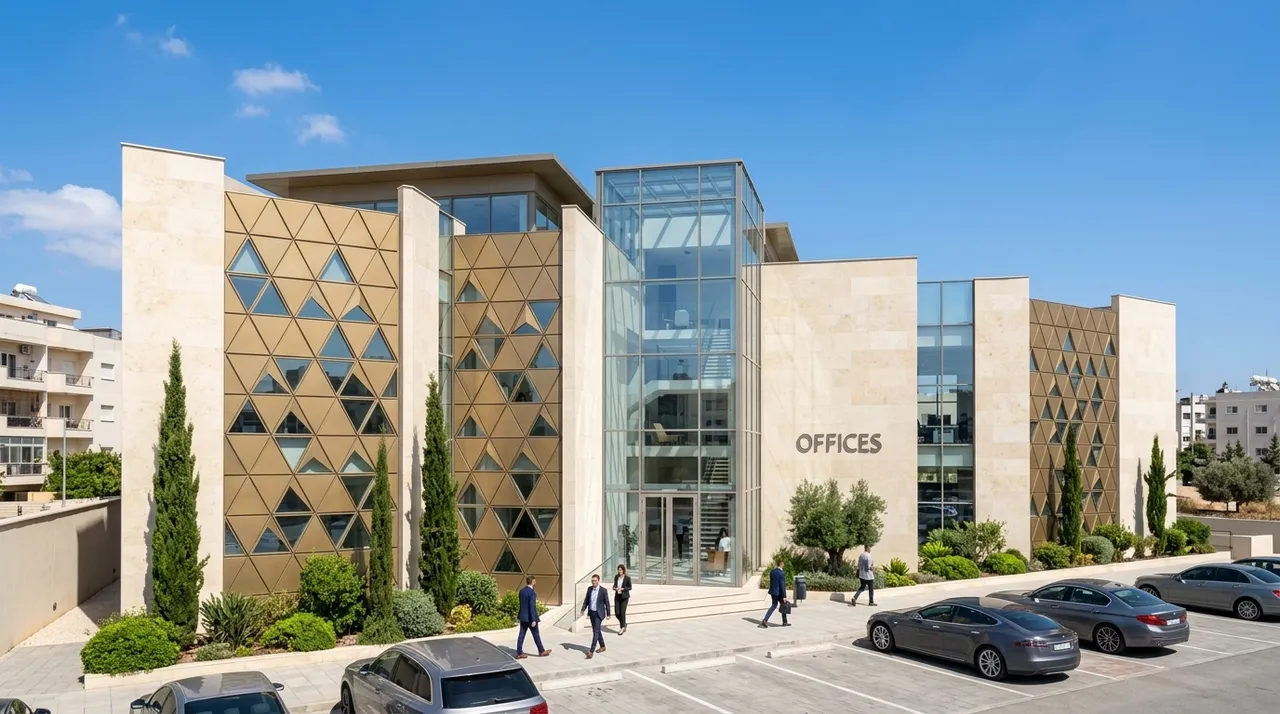
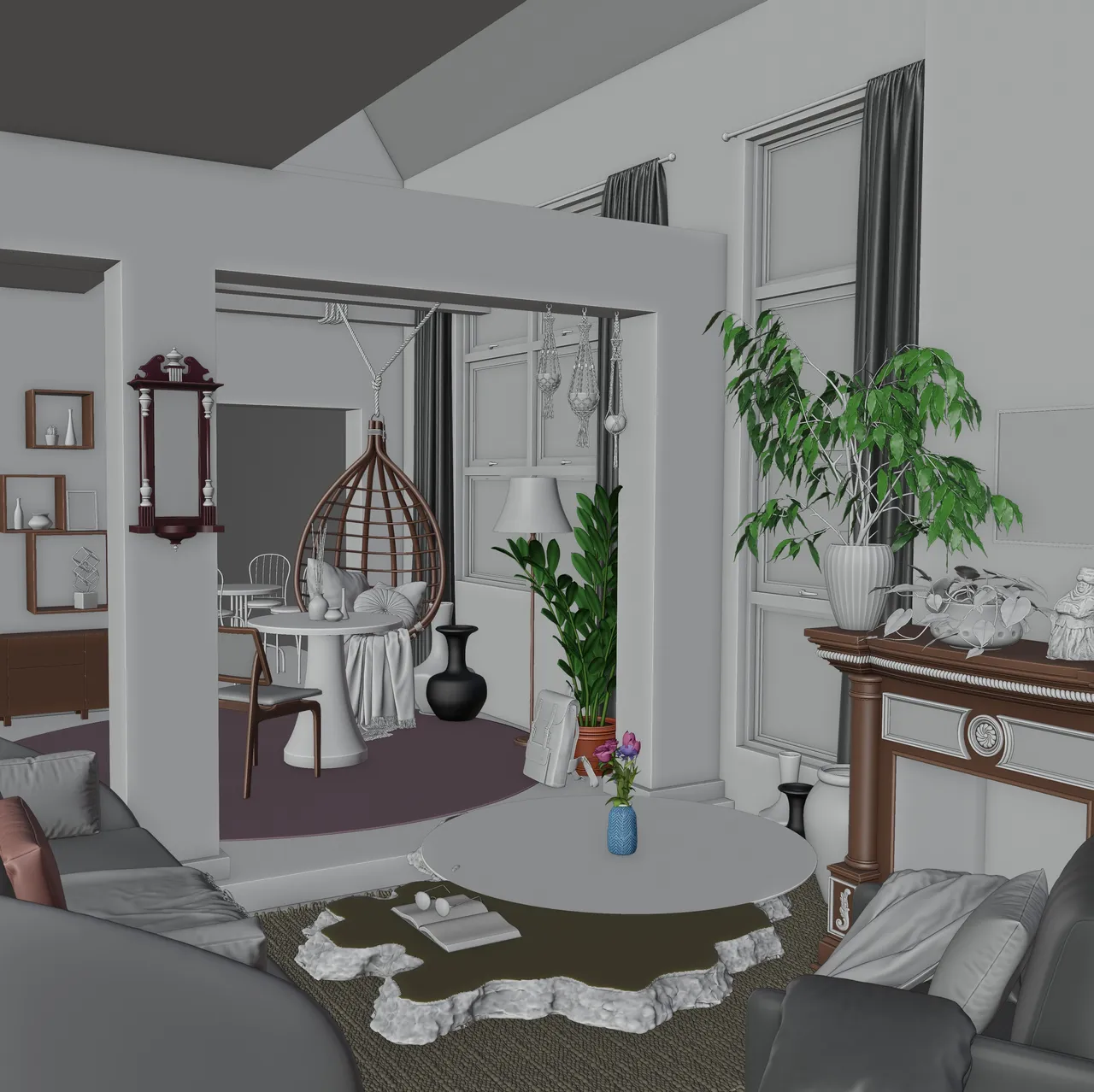
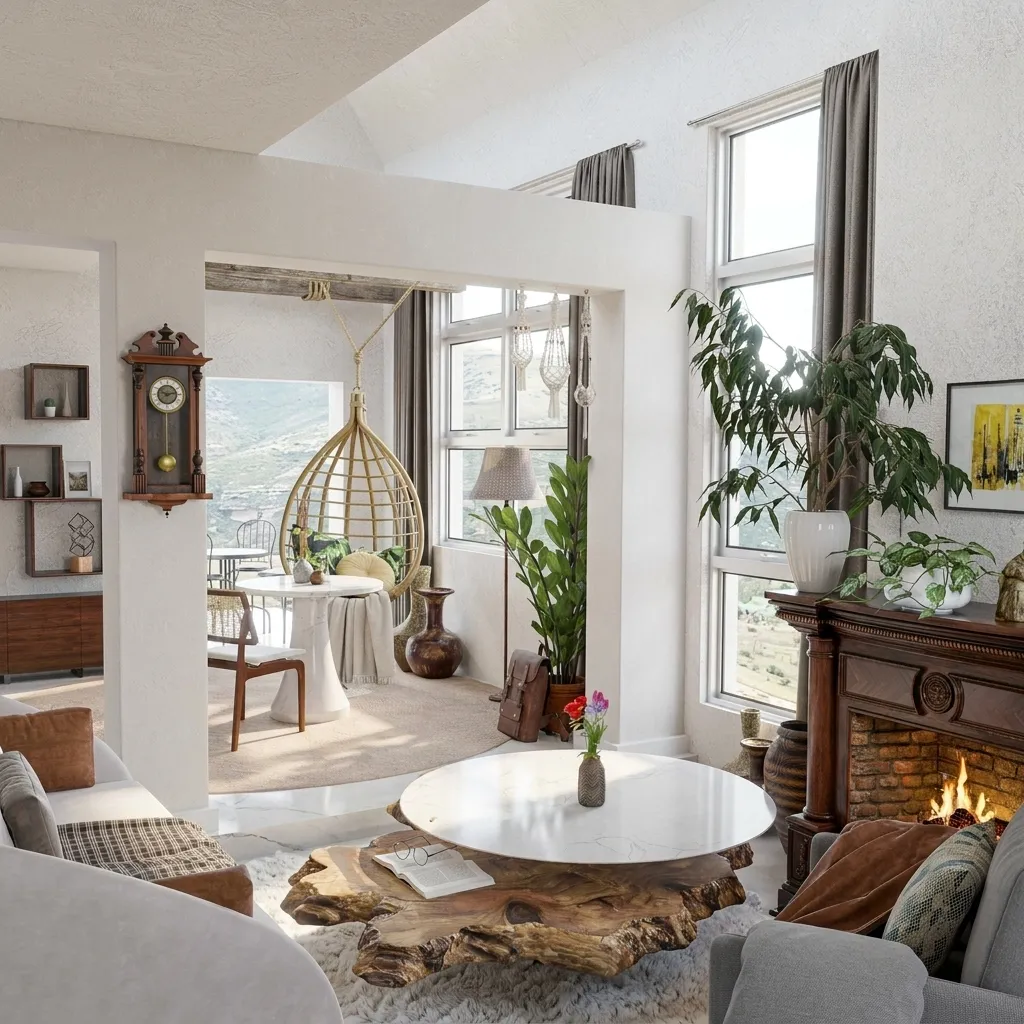
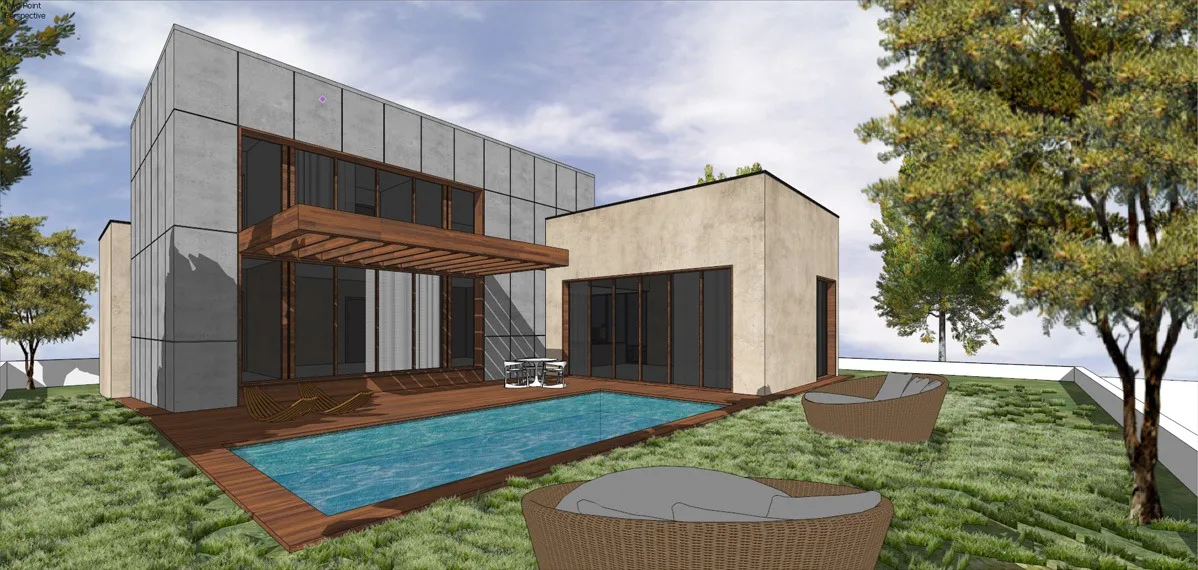
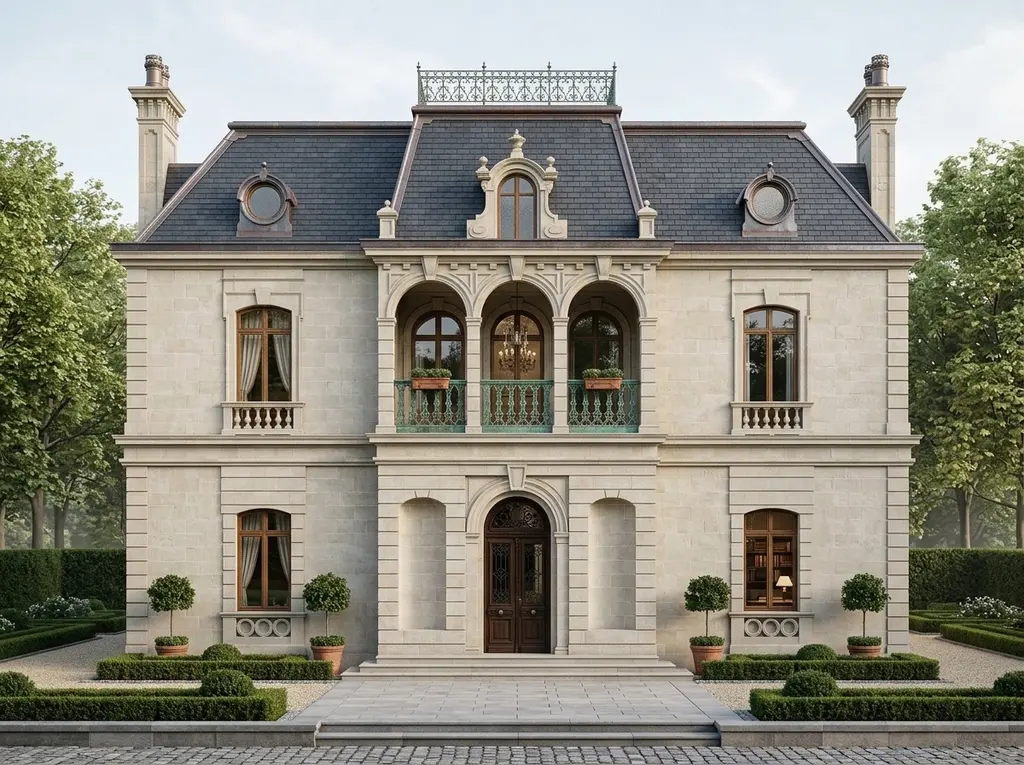
One Workflow. Every Brief
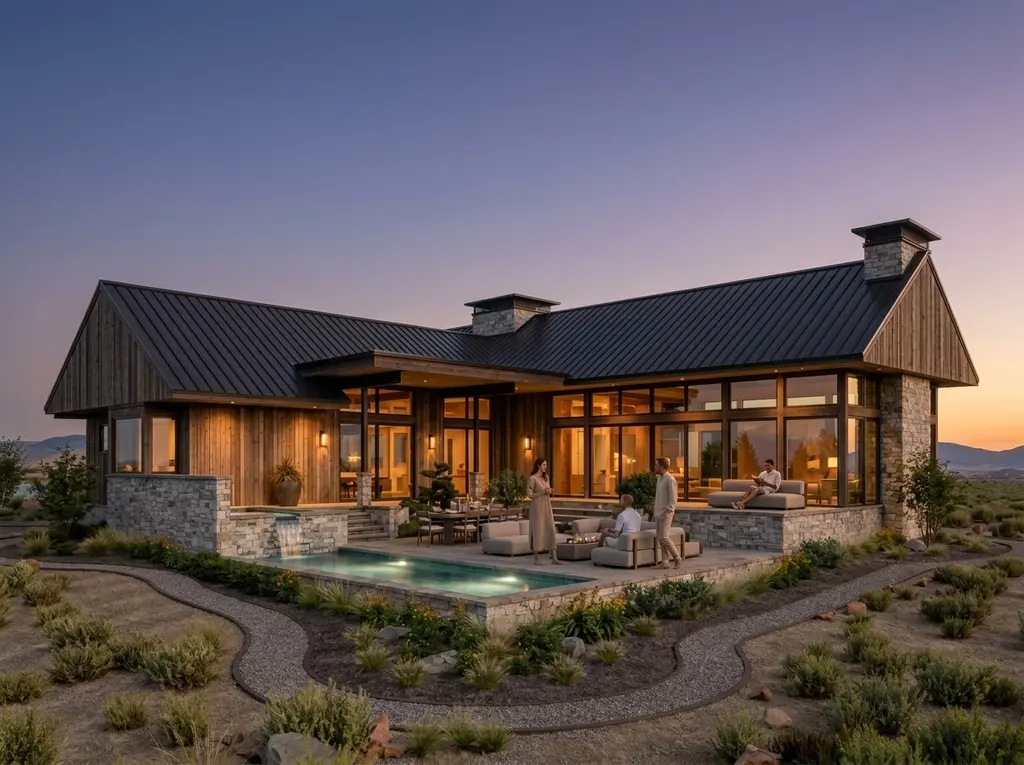
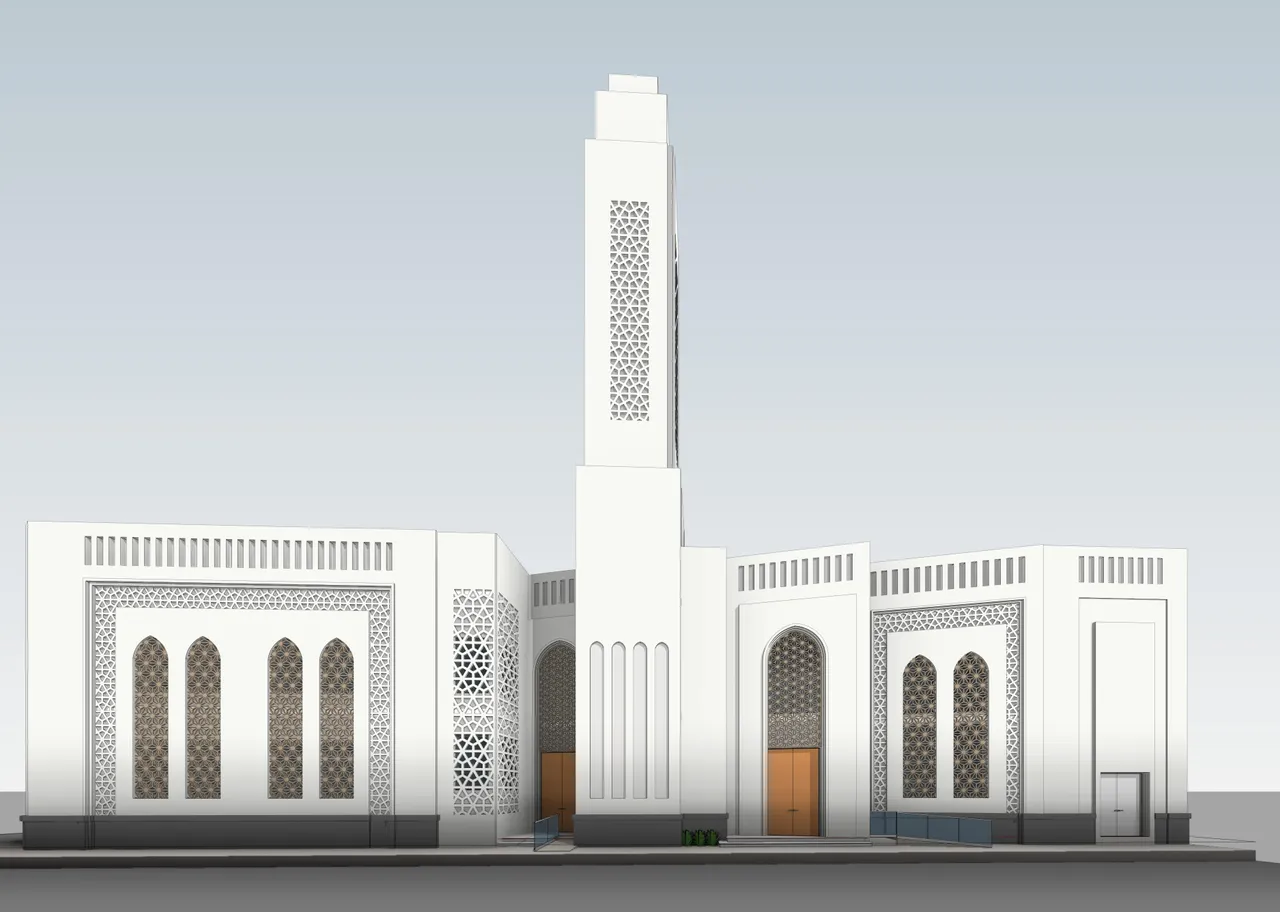
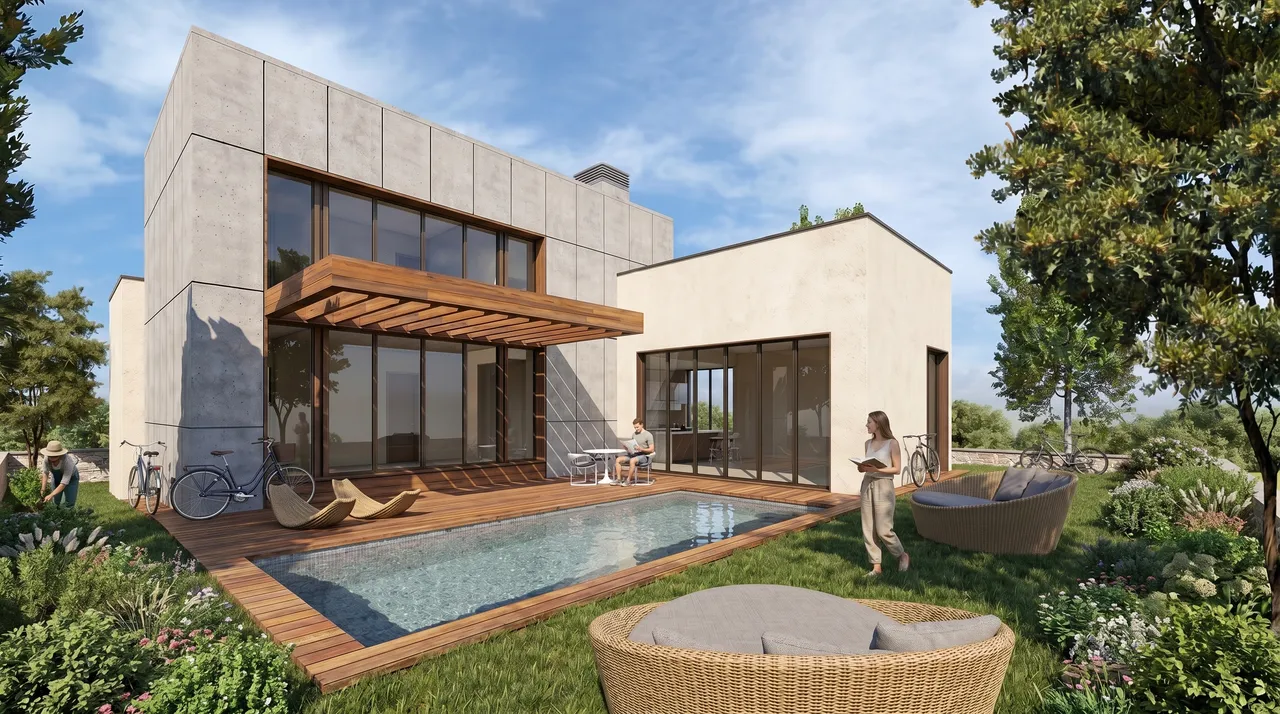
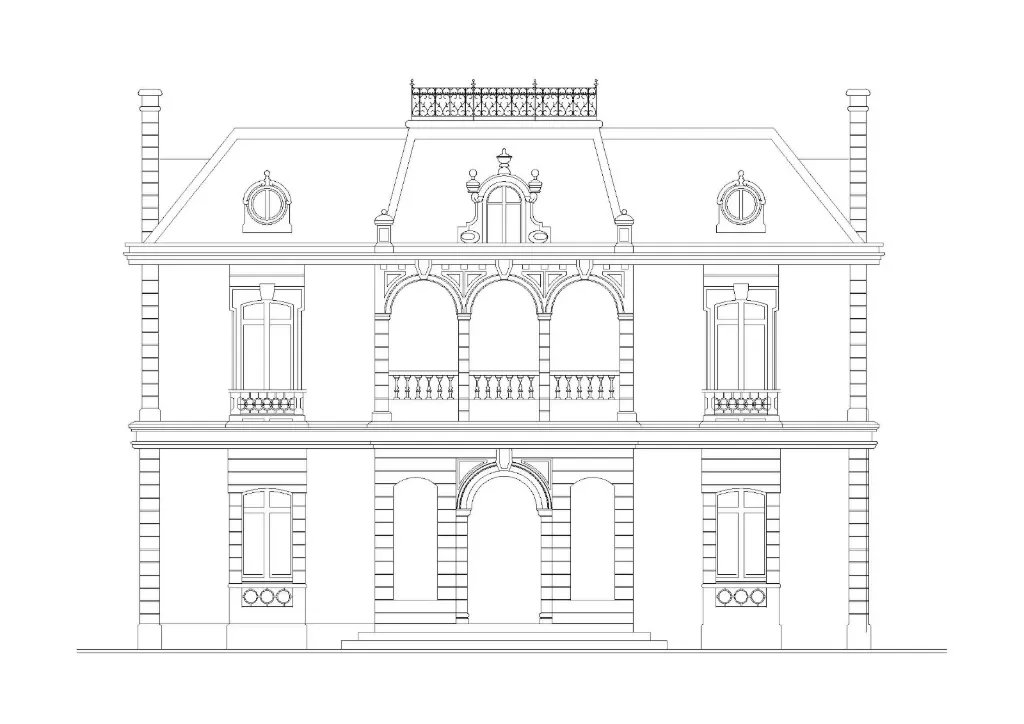
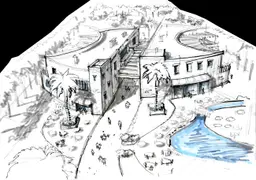
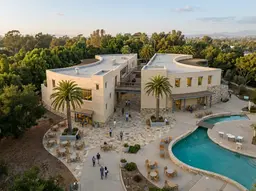
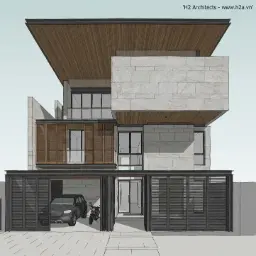
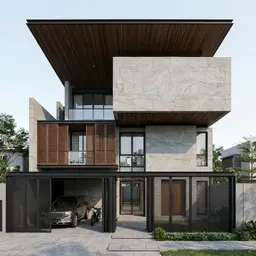
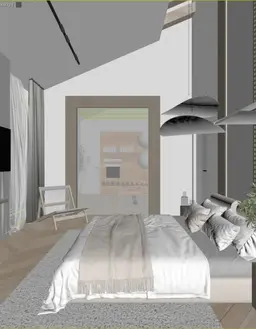
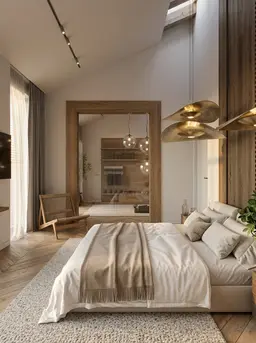
Exteriors, interiors, and plans, across styles, times of day, and weather. Every one started as a screenshot or a rough render.
Start Rendering
Today
Create an account and turn your first model into a photoreal render in seconds. Free credits to start, no card required.