AI Architectural Rendering: A Complete Guide
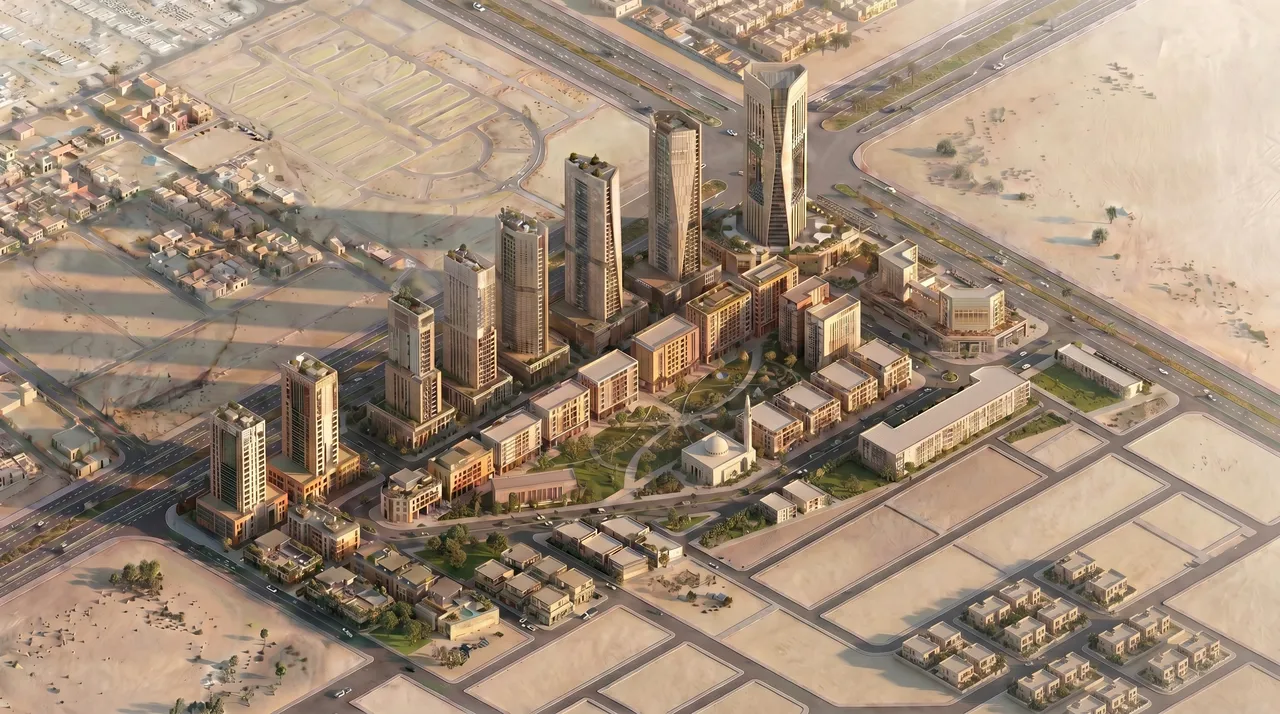
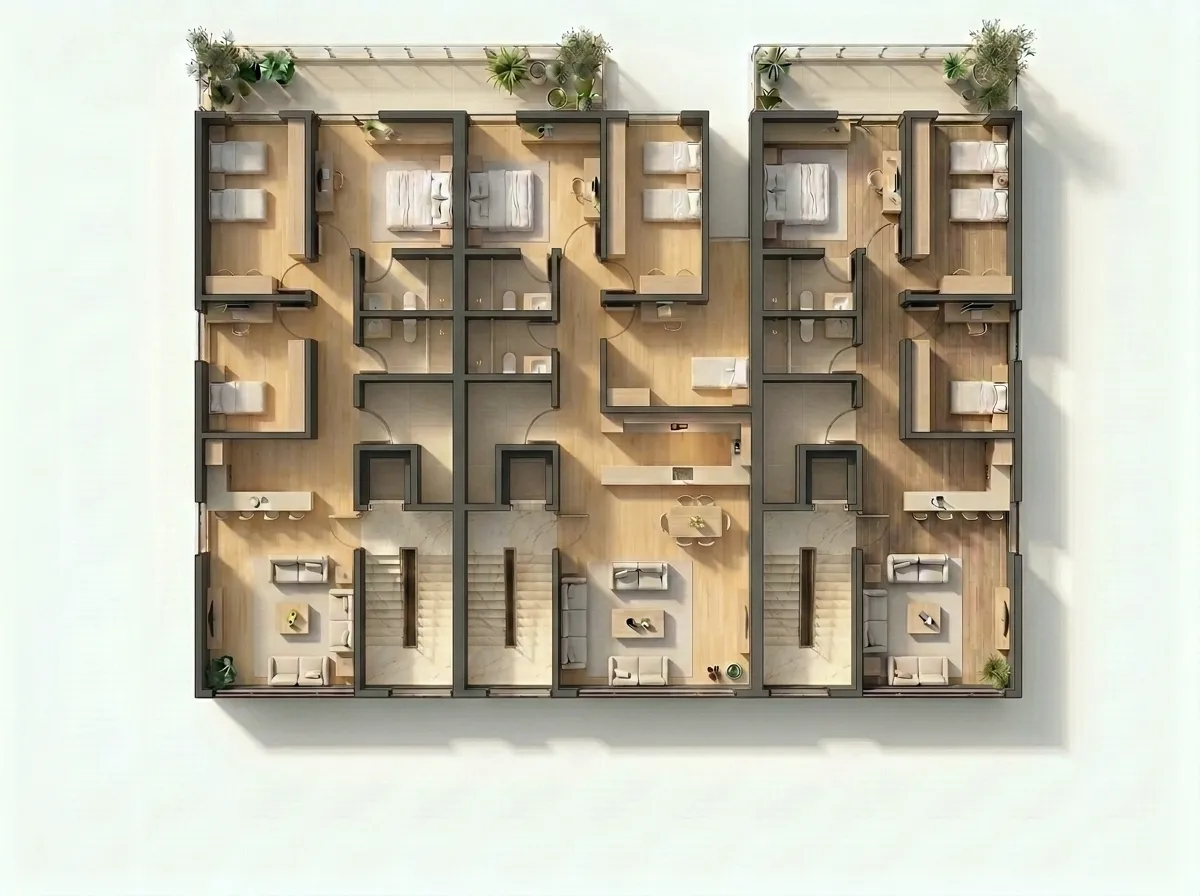
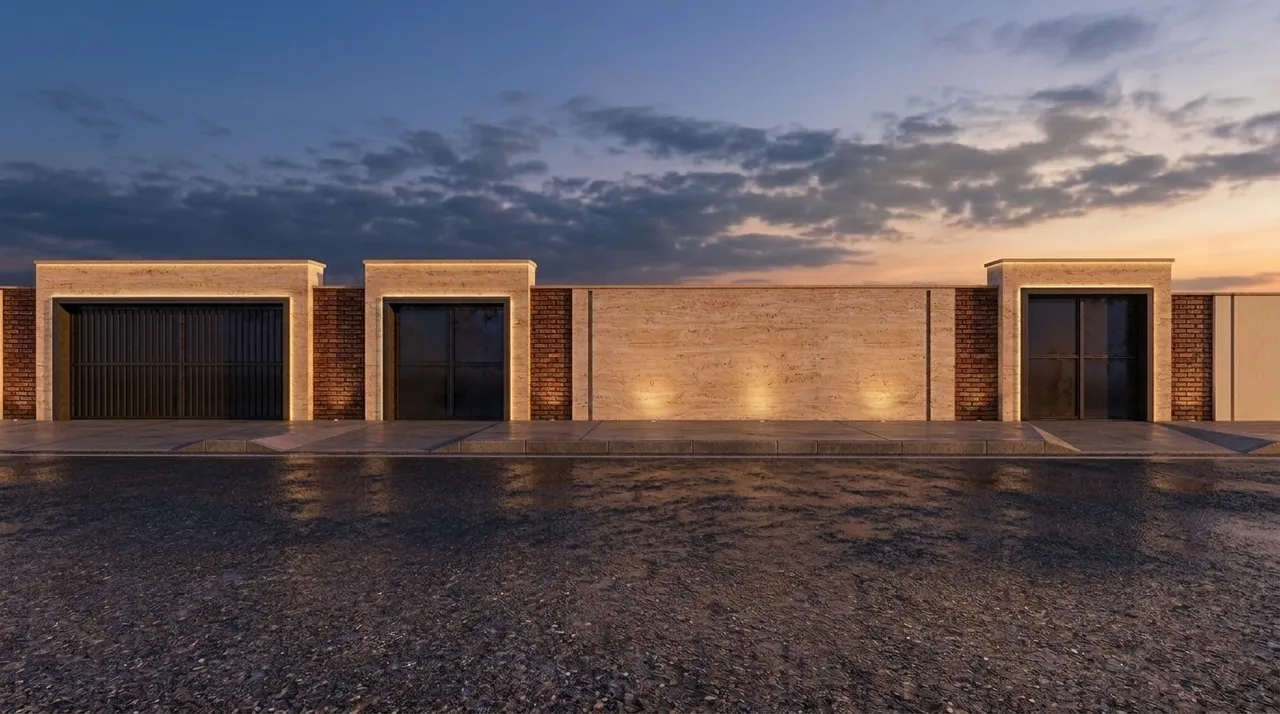
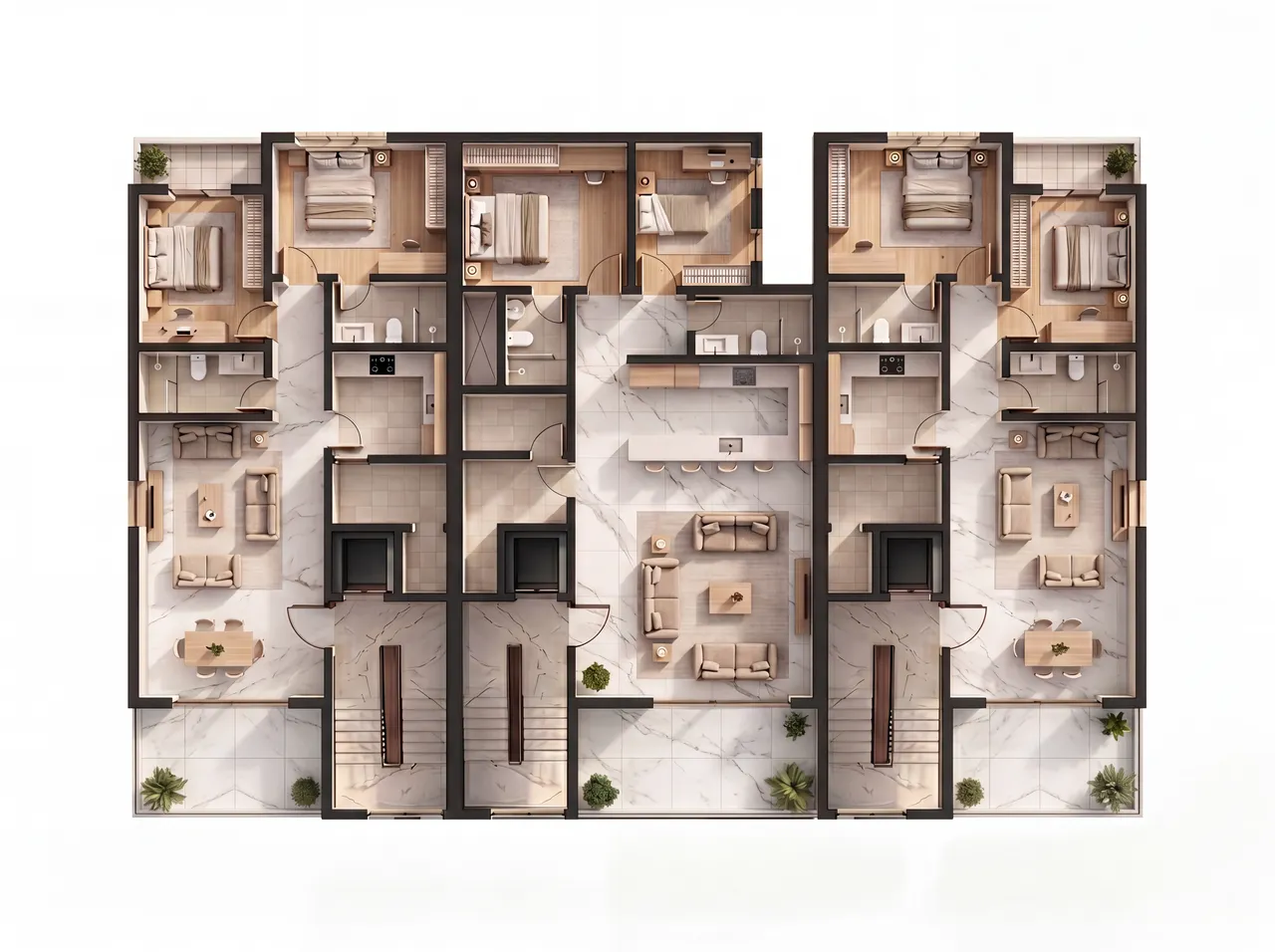
AI architectural rendering is the practice of using machine learning models to convert a source image — a viewport screenshot, a clay render, a rough sketch — into a presentation-grade visualization. The appeal is speed and accessibility: where traditional rendering pipelines require hours of setup, material assignment, and light rig tuning, an AI pass happens in seconds. But the category covers a wide range of tools with very different philosophies, and understanding those differences matters before you trust one with your work.
What makes AI architectural rendering different from generic image AI
Most generative image tools are designed for open-ended creativity. They take a description or a vague reference image and produce something that looks plausible, which is fine when the goal is a concept mood board and fine when the brief is open. It is not fine when you have already decided where every wall, window, and column goes.
The core failure mode of generic AI applied to architecture is hallucination: the model confidently invents openings you never drew, shifts the massing, or changes the camera framing because that produces a more "interesting" image. The result looks like architecture. It is not your architecture.
Proper AI architectural rendering treats geometry, framing, and perspective as constraints rather than suggestions. Camera angles are preserved. Massing is locked. The model reconstructs only the things that are tedious to set manually: light quality, material surface, atmosphere, weather. Everything the architect already decided stays intact.
The typical workflow
The workflow is short by design.
- Capture a source image. This can be a viewport screenshot from SketchUp, Revit, or any other tool. A clay render output works too. So does a rough physical model photograph if the structure is clear.
- Upload and direct. You choose the look: style (photorealistic, illustration, watercolor), medium, vantage, time of day, weather, output format. These are direct controls, not prompt language. Leave anything on Auto and the system chooses a reasonable default.
- Review the result. Geometry and camera return unchanged. Light, materials, and atmosphere are reconstructed. If the result needs a different mood, adjust one control and re-run.
That last point matters: iteration is fast enough to happen mid-conversation. You can generate a golden-hour exterior, then a rainy overcast version, then a midday version, and stack them for a client without leaving the tool.
Where it fits in practice
AI rendering changes when visualization happens in a project. Traditionally, renders are a late-stage deliverable, produced after design is locked because the setup cost of traditional engines makes early iteration impractical. AI rendering is fast enough to use earlier — at massing, at concept stage, at any moment when showing a client what a space might feel like is more useful than describing it.
For a design team, that shift means renders can support client decisions rather than documenting decisions that have already been made. A scheme direction can be tested visually before a design review rather than after. A client who is struggling to read a plan can be shown what the space will feel like without waiting for a traditional rendering deliverable. The conversation happens around an image rather than around a description.
See Rendering at the Concept and Massing Stage for a closer look at how early visualization changes design conversations.
It also changes who does visualization. Solo practitioners and small studios without a dedicated render department can produce presentation-quality images from the same viewport screenshots they already capture for documentation purposes. The skill barrier is not eliminated — you still need to make considered decisions about camera framing and atmospheric direction — but the infrastructure barrier is. No render engine license, no materials library, no lighting specialist required.
For a direct comparison of what AI rendering offers versus a traditional engine like V-Ray or Lumion, see AI Rendering vs Traditional Rendering: Which and When.
Where AI rendering has limits
Renders from AI tools are for conceptual and illustrative purposes. They are not construction documents, and they are not a substitute for professional architectural or engineering review. The image that comes back shows what a building might look like; it does not represent structural performance, material specification, or compliance. Any decision touching construction, permits, or real-world execution needs review by a licensed professional.
Material reconstruction is also inferential, not authoritative. The model reads your geometry and lighting direction and makes informed decisions about surface appearance. Those decisions are coherent and often compelling, but they are not the exact materials you specified in your model, and they should not be presented as such.
Getting started
The practical starting point is a clean source capture. A viewport screenshot with good angle selection and adequate framing gives the AI more to work with than a cropped thumbnail. See Photorealistic Renders Without Writing Prompts for guidance on directing the result once you have a source image.
Arqina is currently in invite-only public beta. If you are a practitioner who wants to bring rendering earlier into your process, request access and we will send an invite when your slot opens.